Add LINE
TimTech
Book a consultation
Book a consultation
  1. Home
  2. /News
  3. /Planning a site structure: eight pieces of content you need

Planning a site structure: eight pieces of content you need

圖片預留
2025.05.26Updated 2026.10.07
  • Business websites

Summary

Once you have decided to build, the next job is the content and the structure. What a site structure is, how to plan it, and what to prepare before you start.

If you've already decided to build a website, the next task is to plan and map out its content.

What is website structure? How do you plan it? What do you need to prepare and watch out for when planning it? This article covers all of that, helping you build your own website more efficiently and end up with one that works the way you want.

What is website structure?

First, let's talk about what website structure is.

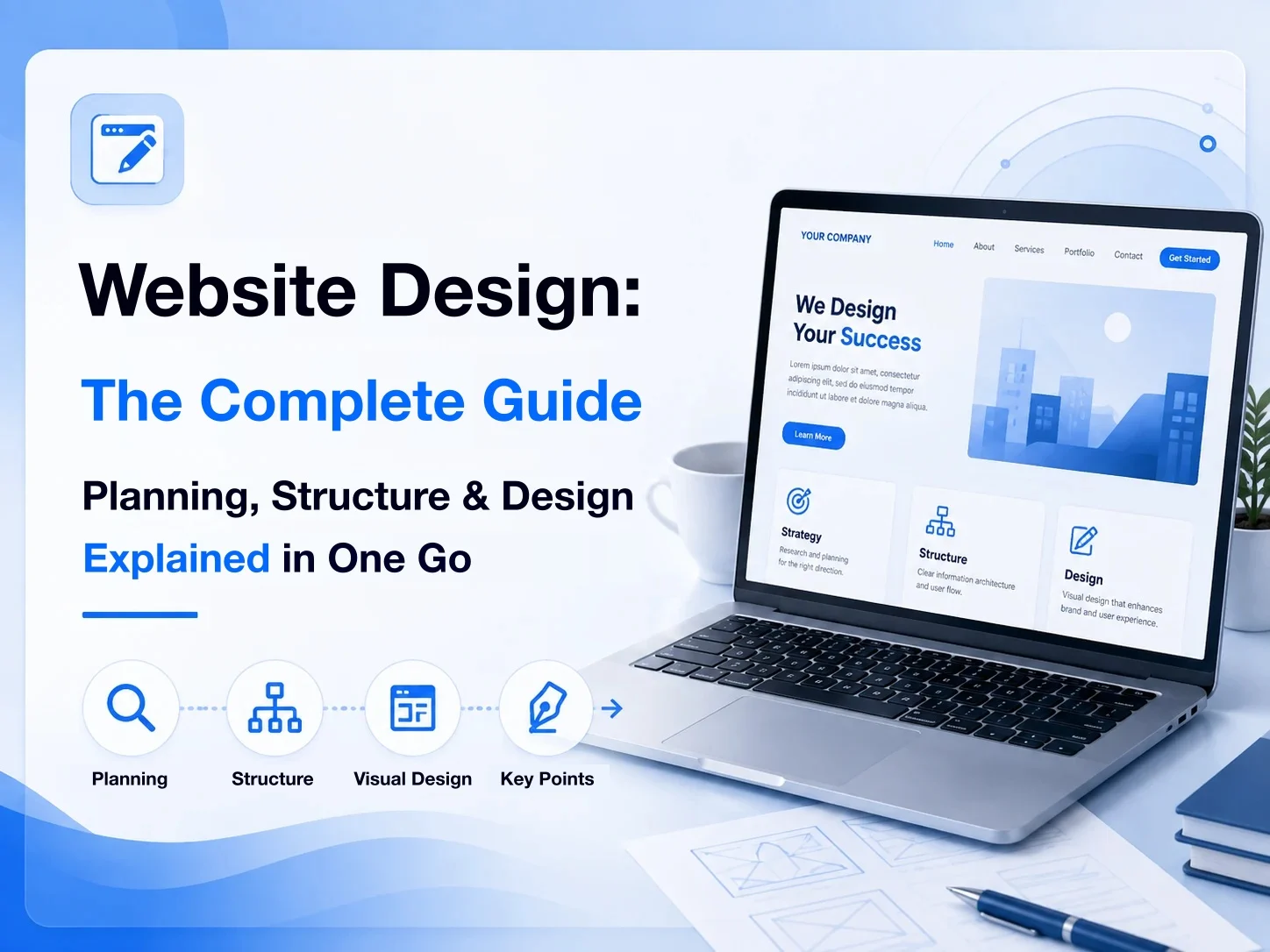
Website structure covers the planning of a website's overall layout and design. A good structure plans every detail of the site, all so the website can deliver the following results:

  • Increase email sign-up success rates
  • Increase product sales conversion rates
  • Increase content sharing rates
  • Increase overall click-through rates

If you plan your website structure before building the site, you'll greatly reduce the need for later changes, and the metrics above will rise steadily.

It sounds easy, but getting visitors to smoothly click the links you want them to click is very hard to pull off. That's why planning your website structure is essential. Let me show you what you need to prepare.

Preparation before planning your structure

Set your goals

A website's layout and design revolve around one question: "What do you want your visitors to do?"
Share

On this page

  • What is website structure?
  • Preparation before planning your structure
  • Set your goals
  • Understand your target customers
  • Content elements
  • Start planning your website structure
  • Static homepage
  • Landing pages
  • About page
  • Contact page
  • Quality content
  • User experience
  • Mobile optimization
  • Attractive design
  • Conclusion

TimTech

Ideas, made real.

We help B2B companies turn the website into a long-term asset: a clearer position, search that compounds, and inquiries that actually get handled.

Explore

  • Home
  • News
  • FAQ
  • Cases
  • Contact

Services

  • Website Development
  • Search growth
  • From inquiry to close

Industries

  • Print shops
  • Court-auction leads

Contact

  • Email:service@timtech.tw
  • Address:10F.-2, No. 118, Dazhong S. St., West Dist., Taichung City 403533 , Taiwan
  • LINE:Message us on LINE

© 2026 TimTech. All rights reserved. | Power By TimTech

  • Privacy
  • Terms

Whether you want them to fill in their personal details and sign up as members, click and buy a product you're promoting, or press a button to share an article on Facebook or LINE, these are all things you want visitors to do.

So when setting goals, you need to set a goal for every page, every article, and, most importantly, an overall end goal for the whole website.

Understand your target customers

Once you've set your website goals, the next step is to understand the characteristics of your target customers.

This includes their interests, age, gender, and personality. Once you know your target customers, you'll know how to make your website appealing and which style this group likes best, so they leave with a memorable experience.

Content elements

Below are the most basic content elements of a website. Once you've planned these elements, you'll have planned your whole website structure.

  1. Static homepage
  2. Landing pages
  3. About page
  4. Contact page
  5. Quality content
  6. User experience
  7. Mobile optimization
  8. Attractive design

Start planning your website structure

Static homepage

The static homepage is one of the most important parts of a website. It's the face of your brand, so it has to leave a strong impression on visitors while fully presenting your brand's vision and mission.

So what exactly should it include? You can arrange your content in the order listed below and persuade your visitors as if you were telling a story.

  • Website headline and description: A good headline and description should tell visitors what kind of customers you help, how you help them, and what results they get.
  • Hero visual: Your hero visual should echo your headline and description. People are visual creatures, so the hero image should be memorable and use color combinations to convey your brand's personality.
  • Content navigation: Next, introduce who you are, what you do, what services you offer, and what content your website has.
  • Internal links: Building on that navigation, link your website's pages to related content, such as your about page, services page, blog page, and contact page.
  • Call to action: After presenting your content, use a call to action (CTA) tied to the goals you set during preparation to tell readers about your latest offers, the products you most want to promote, and your best services. Add eye-catching buttons to guide them to the pages you've set up.
  • Testimonials: After introducing your products or services, add customer testimonials to help people trust your products more. Testimonials work best with a photo, name, and job title to make them more persuasive.

Landing pages

Landing pages differ slightly from the static homepage. A static homepage usually has many goals for visitors to act on, while a landing page usually has just one.

Your goal determines a landing page's content, so here we'll use the goal setting from the preparation stage again to find the one goal for this landing page. These pages might be:

  • A purchase page for a product
  • An introduction page for a service
  • A registration page for an event

You can also build your landing page using the following principles:

  • An attractive headline tied to your goal
  • A clear hero visual
  • Content written from left to right
  • Simple, easy-to-understand copy
  • Images and videos to enrich the content
  • Testimonials from different sources
  • A strong call to action

With a defined target audience and valuable content, you can run ads to this page to reach more precisely targeted customers and get higher conversions.

About page

A good about page tells a moving brand story that persuades customers on an emotional level. Don't forget to convey your brand vision, products, and services as well.

You can create a protagonist (a team or an individual) and tell your brand story using the formula below.

  • Background: Introduce your company's strengths and current situation so customers understand where your brand stands today.
  • The problem: Then describe the tough problems or difficulties the protagonist faced that forced them to take action.
  • The challenge: Explain how the protagonist started looking for a solution, and you can add more difficulties and obstacles along the way.
  • The solution: Share how the protagonist worked through these problems, and how they finally achieved results and which milestones they reached.
  • Looking ahead: Describe your company's future mission and vision, and the goals you hope to achieve.

If the content above still doesn't feel compelling or moving enough, you can add the following to make your about page richer.

  • Business model: If your company's business model is your unique selling point, introduce it on your about page.
  • Testimonials and awards: You can also put the testimonials from your homepage on your about page, and add your company's achievements and awards.
  • Statistics: Numbers communicate your results to visitors at a glance, helping them understand the claims or value you've quantified more intuitively.
  • Team introduction: Adding team members' photos, names, and bios makes your brand feel more human and shows off your company's professionals.
  • Call to action: Finally, don't forget to tie in your website goal by featuring the products you want customers to buy or the actions you want them to take, with eye-catching buttons to draw clicks.

Contact page

Many people think a contact page just needs some contact details, but make sure it covers all of the following so customers who are about to contact you don't lose interest.

  • Keep the page simple
  • Answer frequently asked questions
  • Email
  • Phone number
  • Social media
  • An easy-to-fill-in form
  • A thank-you note

Quality content

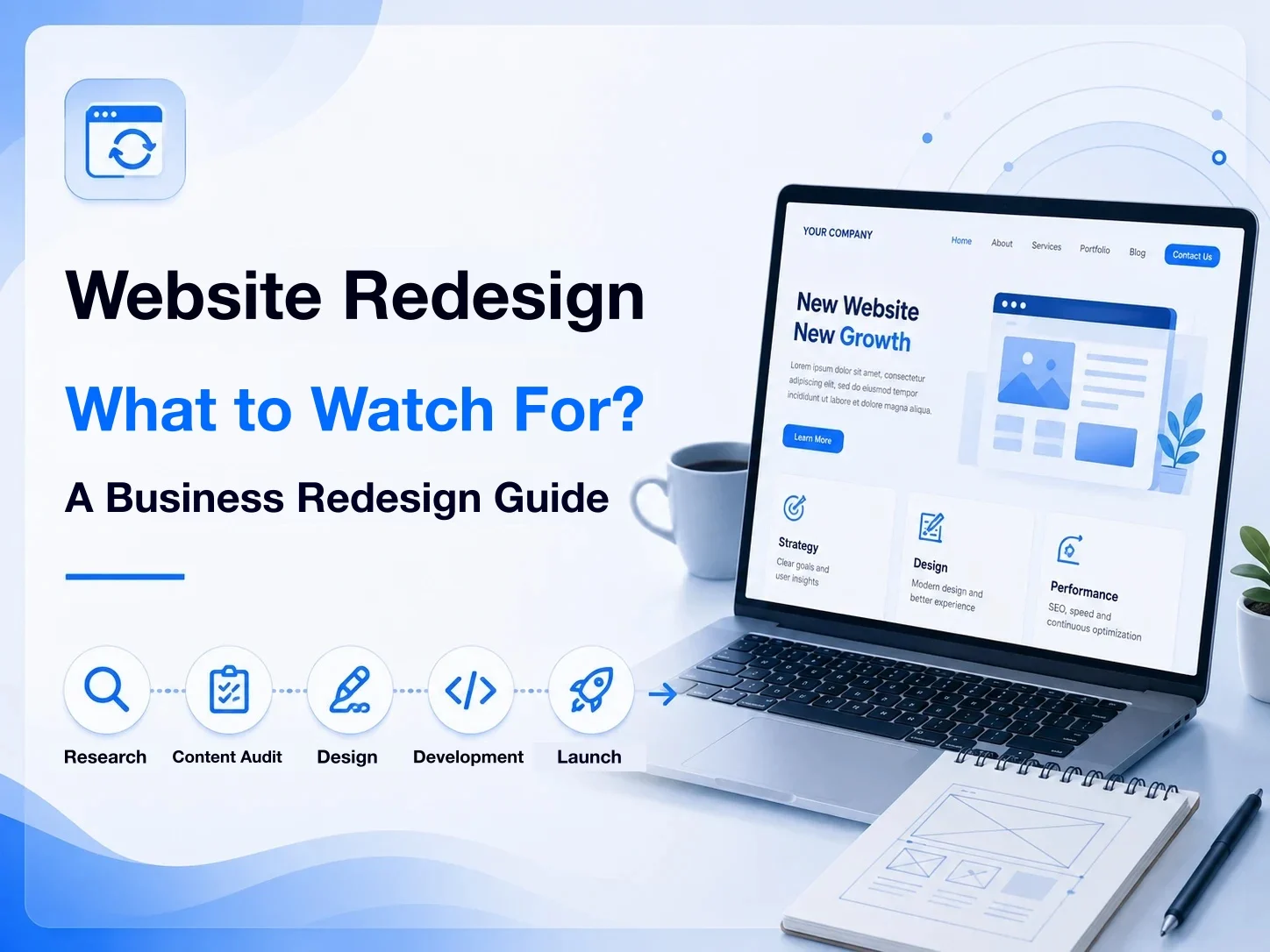
Quality content here means your product items, categories, and specifications, which customers should be able to search and browse clearly and easily. All of this is crucial to the customer experience. Here are the pages and system features you may need:

  • Product and service names
  • Product and service descriptions
  • Categories
  • Prices and plan options
  • Purchase and subscription methods
  • Special offers
  • Shopping cart + membership system

Speaking of content, we have to mention SEO. Until you've developed a complete SEO strategy, don't write huge articles with no clear goal. But if you already understand SEO, you can use the checklist below to check your copy's SEO optimization.

  • Simple, meaningful URLs
  • Use a sitemap
  • Set up internal and external links
  • Image alt text
  • Mobile-friendly
  • Page speed optimization
  • Use keyword data to plan content

User experience

In plain terms, a good user experience means people can easily find the information they want.

But every website's design is different, so it's hard to say in general what the best user experience looks like. Still, keep the following points in mind to avoid major user experience mistakes.

  • Keep reminding yourself what your website's goal is
  • Think carefully about the purpose and naming of every page and element
  • Prioritize information by importance
  • Make recurring information reusable

Mobile optimization

More and more people browse the web on phones and tablets, and web pages are no longer viewed only on desktop computers. As a result, search engines give higher scores to "websites that are easy to browse on a phone." That's why mobile optimization matters.

To rank higher on Google, follow these principles to keep your website competitive:

  • Design responsive pages suited to mobile devices
  • Set up a Google Business Profile
  • Keep mobile pages simple, not flashy

Attractive design

Besides being easy to use, your website needs to leave a lasting impression, and that depends on its overall visual design.

So you need to pay attention not only to page layout, but also to the design of colors, images, icons, and fonts, so your brand shows the personality you want.

  • Brand logo: simple and easy to understand
  • Website fonts: size and color balanced for easy reading
  • Website colors: no more than three

And let me stress the importance of color once more. Each color evokes a different feeling. Here are some common color associations:

  • Red: warning, excitement
  • Purple: creativity, wisdom
  • Yellow: passion, happiness
  • Orange: friendliness, confidence
  • Blue: technology, innovation
  • Green: nature, eco-friendliness

Conclusion

Above are eight key content elements for a website. They help you reach the goals you've set, whether click-through rates, sign-up rates, or actual product conversion rates, faster and more efficiently.

I hope this helps those of you who don't yet know much about website structure to plan a complete website, build it more efficiently, and avoid wasting unnecessary time!

Previous

What is HTTPS? Add an SSL certificate in four steps

Next

Nine principles for a website that looks good and works

Related articles

  • Redesigning a company website: fifteen things to get right
    Business websites

    2026.08.16

    Redesigning a company website: fifteen things to get right

    When a company site needs a redesign, how to judge that first, and what to watch…

  • What belongs on a company website? Fourteen features, basic and advanced
    Business websites

    2026.08.16

    What belongs on a company website? Fourteen features, basic and advanced

    Common pieces of a company site: content management, product pages, SEO, more th…

  • Company website design: planning, structure, and what to design for
    Business websites

    2026.08.15

    Company website design: planning, structure, and what to design for

    How to design a company site around its goal: information architecture, how peop…