Add LINE
TimTech
Book a consultation
Book a consultation
  1. Home
  2. /News
  3. /What is HTTPS? Add an SSL certificate in four steps

What is HTTPS? Add an SSL certificate in four steps

圖片預留
2025.02.25Updated 2026.10.07
  • SEO and digital marketing

Summary

An SSL certificate and HTTPS are part of keeping a site safe, and part of SEO. Why HTTPS matters, and four steps to install the certificate.

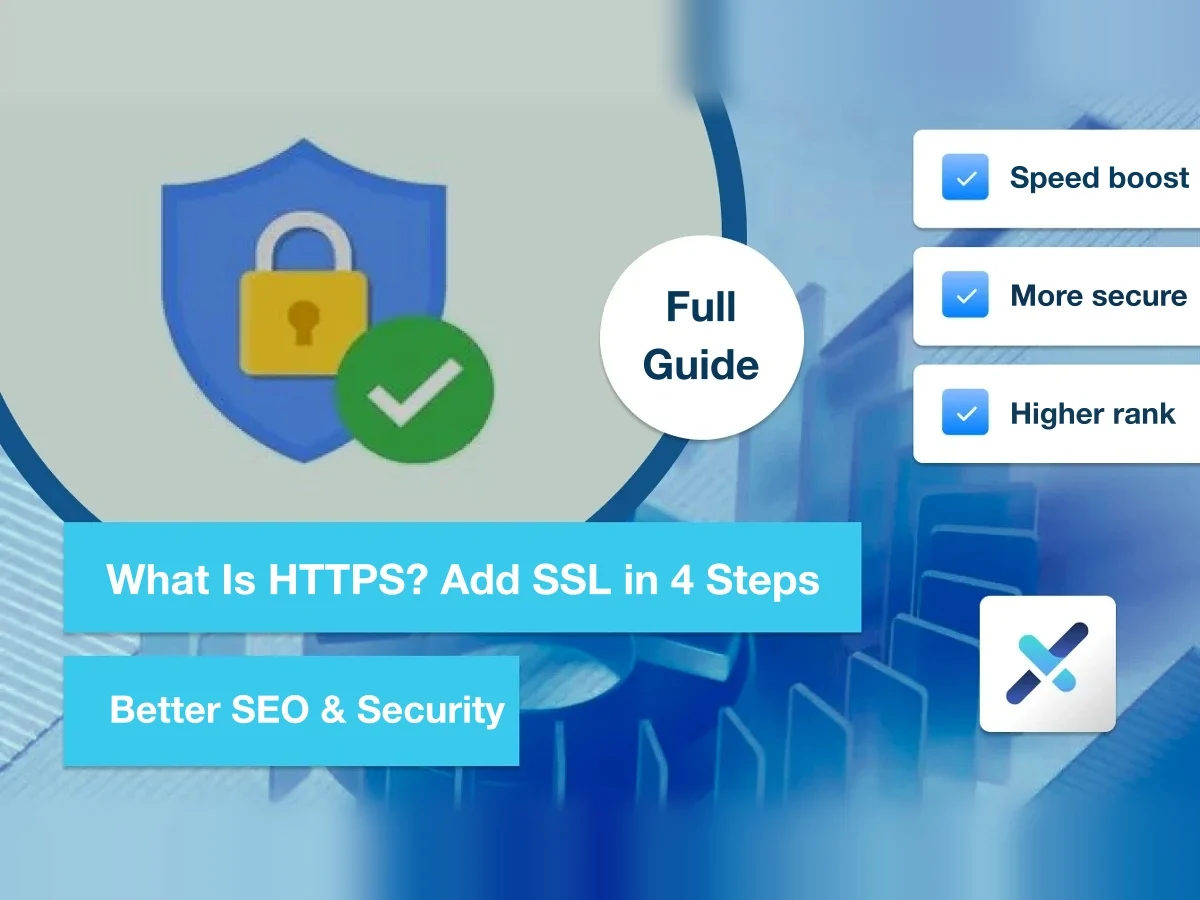
Using an SSL certificate to set up HTTPS is an important step for website security and a requirement for SEO.

This article explains why HTTPS matters and the four steps to install SSL, so everyone can have an SEO-friendly website.

What is HTTPS?

HTTPS is the encrypted version of HTTP. Its full name is "Hypertext Transfer Protocol Secure," and it's a protocol that authenticates a website's identity and ensures the security and integrity of data in transit, protecting data from being attacked, stolen, or tampered with by hackers.

This protocol is mainly encrypted using SSL (a secure communication protocol). Put simply, HTTP plus SSL becomes HTTPS. Its most recognizable sign is the padlock icon we often see at the start of a web address.

How HTTPS and SSL actually work is a bit complicated.

What are the benefits of HTTPS?

Although HTTPS is crucial to our websites, we don't really need to understand in depth what HTTPS and SSL are. We just need to know: what benefits does HTTPS bring to us and to the people browsing our pages?

So I've listed the three most important functions of HTTPS below to show why HTTPS is an essential part of any good website.

  • Better security and privacy
  • Faster website speed
  • Better Google rankings

Better security and privacy

Share

On this page

  • What is HTTPS?
  • What are the benefits of HTTPS?
  • Better security and privacy
  • Faster website speed
  • Better Google rankings
  • Set up HTTPS in 4 steps
  • Conclusion

TimTech

Ideas, made real.

We help B2B companies turn the website into a long-term asset: a clearer position, search that compounds, and inquiries that actually get handled.

Explore

  • Home
  • News
  • FAQ
  • Cases
  • Contact

Services

  • Website Development
  • Search growth
  • From inquiry to close

Industries

  • Print shops
  • Court-auction leads

Contact

  • Email:service@timtech.tw
  • Address:10F.-2, No. 118, Dazhong S. St., West Dist., Taichung City 403533 , Taiwan
  • LINE:Message us on LINE

© 2026 TimTech. All rights reserved. | Power By TimTech

  • Privacy
  • Terms

The most important function of HTTPS is improving a website's security and privacy.

Whenever you enter or view any sensitive information online, including credit card details and login credentials, it's protected from being stolen or misused by anyone.

It's precisely because of this security that you can pay by card on shopping sites, log in to your social media accounts, and access all kinds of private information on websites without worrying about it being stolen.

Imagine coming across an insecure website that displays a "!" icon.

Or worse, the "Not secure" warning that only appears when there are major security vulnerabilities.

Most people would rush to leave these pages, let alone enter their home address, national ID number, login credentials, or credit card number on them.

Faster website speed

In theory, HTTPS, with its added security, should be slower. But some technologies and services that improve website performance are only available with HTTPS. In other words, having HTTPS can actually give your website a chance to be faster.

Why does speed matter so much for a website? Because speed affects the "user experience."

We've all had a page that just won't load. It makes us impatient, and we want to hit refresh or simply close the page.

Indeed, research shows that websites slower than the norm usually see higher "bounce rates." In other words, when users get impatient because a site is too slow, most of them usually won't keep browsing your website.

Better Google rankings

For any search engine, delivering the best search results to users is its greatest reason for existing. Besides good content, which is a key factor, being "secure and fast" is also an important factor.

Having "speed" and "security" is a prerequisite for attracting search traffic. It helps your website earn Google's trust and, in turn, better Google rankings.

So for the same website, one using insecure "HTTP" is very likely to rank lower than one using "HTTPS."

So if you want to improve your Google rankings through search engine optimization (SEO), the first thing to do is install an SSL certificate on your website to make it a secure HTTPS site.

Set up HTTPS in 4 steps

To set up HTTPS on your website, you first need to add an SSL certificate. Once it's added successfully, you'll see a padlock icon on your website, which means it worked.

But every hosting provider does this differently, so you can follow these four steps and ask your hosting provider how to add it.

STEP 1 → Buy an SSL certificate

First, buy an SSL certificate. It's best to buy it directly from your hosting provider, because they can make sure it's installed correctly on your website, and you can ask their support team directly.

STEP 2 → Install the SSL certificate

Next, install the SSL certificate through your hosting provider's control panel. If you bought it from a third party, you usually also have to import the certificate into your hosting account, which is often more troublesome, so I still recommend buying it from your hosting provider.

STEP 3 → Check whether the site has switched to HTTPS

Your website usually switches to HTTPS within five minutes of installing SSL. After installing, reload the page and check whether the "padlock" icon appears. If it doesn't, call your hosting provider's support team.

STEP 4 → Google is notified automatically

Basically, once the previous steps are done, Google will redirect your old site to the new HTTPS site on its own. You don't need to update anything manually, and both existing and new page URLs will show the "padlock" symbol.

Conclusion

After reading this article, I hope you have a basic understanding of HTTPS and know why using it matters. However, the specific installation method varies greatly between hosting providers, so it's best to ask their support team when you install it.

Previous

Ahrefs, and five SEO tools worth knowing first

Next

Planning a site structure: eight pieces of content you need

Related articles

  • What are AEO and GEO? A 2026 guide to AI search and SEO for businesses
    SEO and digital marketing

    2026.09.03

    What are AEO and GEO? A 2026 guide to AI search and SEO for businesses

    What AEO and GEO are, how they differ from SEO, and how Google’s AI search picks…

  • SEO or Google Ads? Differences, cost, and how to budget
    SEO and digital marketing

    2026.09.01

    SEO or Google Ads? Differences, cost, and how to budget

    How SEO and Google Ads differ in cost, how fast they show, and how long they las…

  • How to choose an SEO company: seven things a business should check
    SEO and digital marketing

    2026.08.30

    How to choose an SEO company: seven things a business should check

    SEO companies differ a lot in what they deliver, how they work, and how skilled…