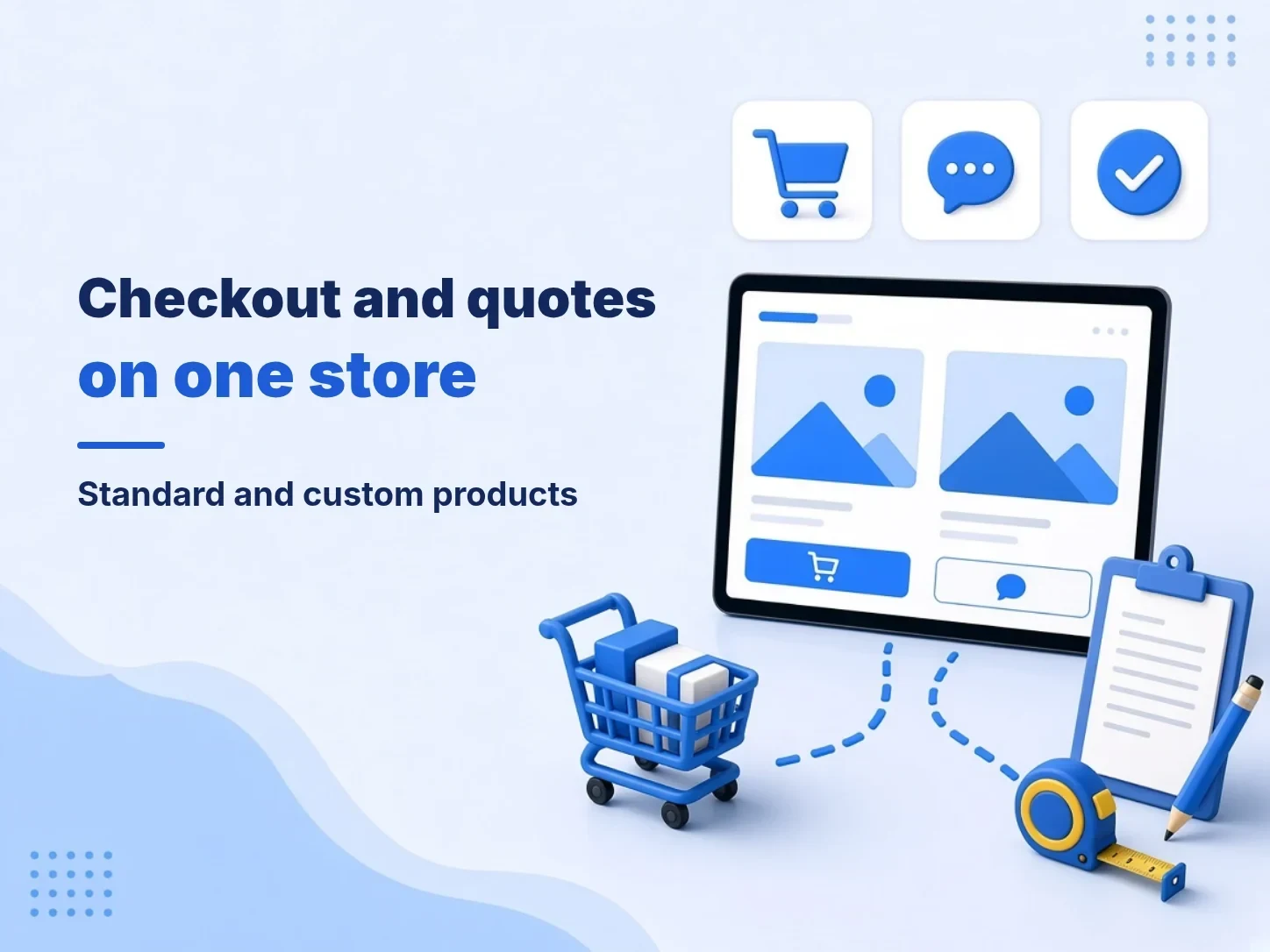
Many companies sell more than one kind of product. Standard items have clear prices and can go straight to checkout. Made-to-order items, modified specs, or products that need artwork review still go back and forth in chat.
Two common workarounds exist: build two websites, or force custom items into the shopping cart. The first splits customers and orders across two places. The second often leaves customers unable to check out, or finding after checkout that the specs need to be renegotiated.
This article explains how to run standard checkout and custom quote requests on the same ecommerce site: how the storefront separates them, how the back office connects them, and when it is better not to combine them.
Further reading: How to build a custom product website
Key takeaways
- The same ecommerce site can run direct checkout and quote requests side by side. Customers need to see the next step for each product.
- The main button on the product page should change with the product type. Custom items should not show "Add to cart".
- The shopping cart and the inquiry cart are separate. They cannot be mixed in one cart, so customers must submit twice. One inquiry can include several inquiry items.
- After sales send a quote, the customer can accept or decline. Payment is arranged separately. The system does not automatically create an unpaid order.
- When the two product types serve completely different customers, or no one follows up on inquiries, do not force them onto one site yet.
- Map the path of a typical order first, then decide the features.
Why use the same ecommerce site instead of two sites?
If the same customers buy standard items and ask about custom ones, one site is usually easier to run. Customers remember one address and one account, and you manage one set of products, members, and orders.
Splitting into two sites often causes these problems:
- Customers who bought on site A have to register again to inquire on site B
- Orders and inquiries from the same customer are scattered, so sales cannot see the full history
- Product data, brand content, and SEO have to be maintained twice
- Customers see two sites in search results and are not sure where to start
There are cases where separate sites make sense, such as when the two product types sell to completely different customers, or one side is really another brand. We cover that later.
How is this different from a custom product website?
A custom product website focuses on how to sell configurable products: priced items go to the cart, items that need confirmation go through configuration, and items that cannot be priced in advance go to an inquiry. Our custom product website article covers that.
Further resources: Mass customization (Wikipedia)
This article covers a different case: the site already sells standard items that can be checked out directly, and also needs to take quote requests for custom items. This kind of custom ecommerce website is not custom from top to bottom. It keeps a normal ecommerce flow and adds a path for inquiries. The question is not which sales method to choose, but how to keep customers from getting confused and keep the back office from conflicting when both flows share one site.
| Question | Custom product website | Two flows on the same ecommerce site |
|---|---|---|
| Main products | Configurable, made-to-order products | Both standard and custom products |
| What to decide | Cart, configuration, or inquiry for each product | How the storefront separates the cart and the inquiry cart |
| Common risk | Too many options for customers to finish | Customers cannot tell which items to buy and which to inquire about |
How can customers tell at a glance: buy now or request a quote?

Customers should roughly know how to buy a product before they open it. On the product page, the main button should tell them the next step. They should not need to read instructions to see whether it is checkout or an inquiry.
Start with these areas:
- Labels: mark products as "Buy now" or "Request a quote" on category pages and product cards, so customers know while browsing
- Main button: standard items show "Add to cart"; custom items show "Request a quote" or "Choose specs and request a quote"
- Price area: standard items show the price; custom items can show "Quoted by spec", or an estimate after specs are chosen
- Next-step note: one line near the button explaining what happens after submitting, such as how soon sales will reply

The most common mistake is one "Add to cart" button for every product. When custom items go into the cart, customers think they have ordered, while the back office still has to contact them to confirm specs and price. Both sides feel stuck.
If a customer wants to buy standard items and ask about a custom one at the same time, they must submit twice. The shopping cart and the inquiry cart are separate, so the two kinds of products cannot go in one cart. Standard items check out as usual, the custom item is sent as an inquiry, and the page explains how each is handled. One inquiry can include several inquiry items.
For product page layout, spec selection, and checkout fields, see our shopping website design article.
Further resources: Product structured data (Google Search Central)
How should the back office connect so inquiries do not become another pile of chats?

After an inquiry is submitted, the back office should receive a complete inquiry record. Sales sends a quote, and the customer can accept or decline. If the customer accepts, payment is arranged separately. The system does not automatically create an unpaid order, and there is no one-click button that turns a quote into a payable order.
One inquiry can include several inquiry items. The shopping cart and the inquiry cart stay separate, so standard and custom products cannot be submitted in one cart.
A smooth online inquiry flow looks like this:
Customer chooses specs and sends an inquiry → Back office receives it and notifies sales → Sales quotes → Customer accepts or declines → Payment is arranged separately
To get there, decide a few things first:
- The inquiry form should ask for what sales needs to quote, such as specs, quantity, use, delivery date, and files
- The right person should be notified when an inquiry arrives, so it is not left unread
- A customer's inquiries and purchases should sit under the same member account
- After the customer accepts a quote, both sides should be clear on how payment and shipping will be arranged
Our B2B ecommerce and online inquiry system works this way: customers can order directly or choose specs and request a quote, and sales takes over the quote. Customers can accept or decline the quote. Inquiries can trigger LINE notifications, and members, inquiries, and orders share one back office.
Integration with ERP or other internal systems needs a separate review, best discussed during the requirements review.
When should you not force both onto the same ecommerce site?
Do not force both flows onto one site when almost every custom job is a new project, the customers are completely different, or no one follows up on inquiries. One site is not the only answer. Hold off in these cases:
- Almost every custom item is a new project, so specs are hard to list as choices on the site
- Standard and custom items serve completely different customers, such as consumers on one side and enterprise projects on the other
- Custom items belong to another brand, and combining them blurs the brand message
- Your store platform cannot change product page buttons or flows, so everything has to go through the cart
- No one in the back office is responsible for replying to inquiries
The last point is the easiest to overlook. A site can collect complete inquiries, but if no one replies in reasonable time, the customer experience still ends at "sent, then nothing".
For common flexibility limits of store platforms, see the disadvantages of ecommerce platforms.
What should you decide first when planning the same ecommerce site?
Decide how products are grouped, what the inquiry asks, who takes over, and how payment will be arranged after the customer accepts a quote. Put the feature list after these decisions, so you do not build features no one uses. Plan in this order:
- List the products to launch and group them into buy-now and quote-required.
- For quote-required products, list what sales must know to quote.
- Decide how product pages and category pages label the two types.
- Decide who takes over inquiries, how soon they reply, and how they are notified.
- Confirm how payment and shipping will be arranged after the customer accepts or declines a quote.
For the features an ecommerce site needs overall, see ecommerce website features. For the full build process and cost, see our complete guide to building an ecommerce website.
Further resources: Ecommerce best practices for Google Search (Google Search Central)
Same ecommerce site FAQ
Standard items need checkout and custom items need a quote. Can the same ecommerce site do both?▼
Yes. Standard items go through cart checkout, and custom items switch to a quote request on the product page. Both flows can coexist on one site. The shopping cart and the inquiry cart are separate, so customers must submit twice. One inquiry can include several inquiry items. Customers need to see the next step for each product.
Is this the same as a custom product website or a custom-built ecommerce site?▼
Not quite. A custom product website is about selling configurable products. A custom-built ecommerce site usually means a store developed for a company's own process. This article is about arranging the storefront and back office when standard and custom products share one site.
Will customers be confused about whether to check out or send an inquiry?
Map one order's path, then decide how to build the site
Running standard checkout and custom quote requests on the same ecommerce site is possible. The storefront should show at a glance how to buy each product, keep the cart and the inquiry cart separate, and let sales quote and the customer confirm before payment is arranged separately.
Take your most common standard order and one custom inquiry, and map each from entering the site to shipping. Once the paths are clear, decide the buttons, inquiry fields, and notifications.
If you are organizing your products and inquiry flow, book a free consultation. We will suggest how to plan the first phase of your site based on your products and how you sell.