Add LINE
TimTech
Book a consultation
Book a consultation
  1. Home
  2. /News
  3. /A website build, in six stages

A website build, in six stages

圖片預留
2025.06.25Updated 2026.10.07
  • Business websites

Summary

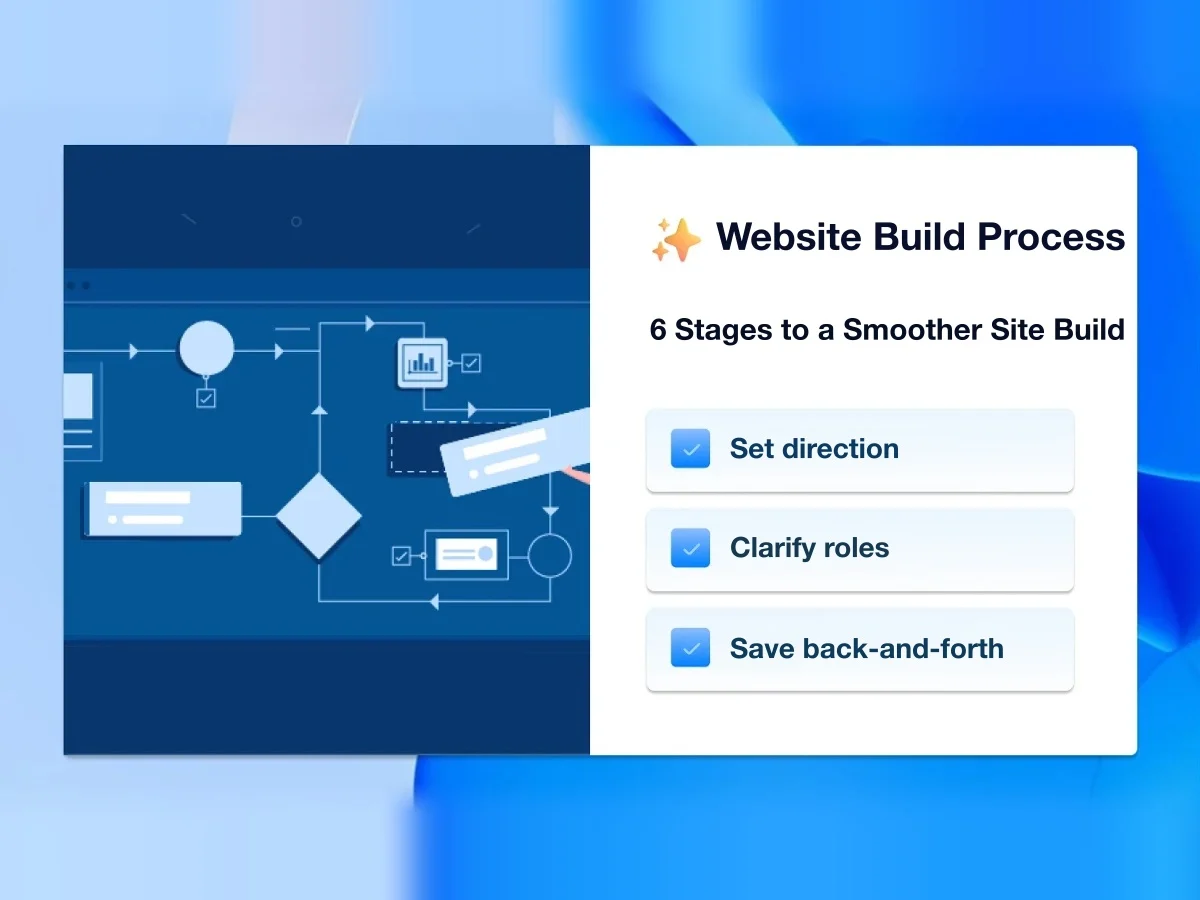
A full site takes time and people, and most of that time goes into talking with designers and developers. The result can still miss. A basic build process so clients and builders know their part, spend less time aligning, and land closer to what both sides wanted.

Building a website with rich content, complete features, and outstanding design often takes a lot of time and manpower. Most people end up spending too much time communicating with web designers and developers, which is time-consuming and exhausting, and the result may still not meet expectations.

So this article walks through the basic website development process, to help both clients and developers understand their responsibilities better, save time on communication, and end up with a finished website that better meets both sides' expectations.

If you want to know how website development costs are calculated, see this article: How are website development costs calculated? 5 key factors behind website pricing

The six basic steps of website development

Below are the six basic steps of having a website built for you. They also apply if you build the site yourself, giving you an overview of the workload involved, helping you avoid a lot of detours, and making the process more efficient.

Preparation

Purpose

Helps you clarify the direction of your website and prepare everything you need in advance, so the project can get off to a smooth start.

What it involves

The most important step here is assessing your website's requirements: What is the purpose of your website? What features do you need to achieve that purpose? Which tools will you need to use?
Share

On this page

  • The six basic steps of website development
  • Preparation
  • Purpose
  • What it involves
  • Content planning
  • Purpose
  • What it involves
  • Design kickoff
  • Purpose
  • What it involves
  • Building the website
  • Purpose
  • What it involves
  • Testing and launch
  • Purpose
  • What it involves
  • Website maintenance
  • Purpose
  • What it involves
  • Conclusion

TimTech

Ideas, made real.

We help B2B companies turn the website into a long-term asset: a clearer position, search that compounds, and inquiries that actually get handled.

Explore

  • Home
  • News
  • FAQ
  • Cases
  • Contact

Services

  • Website Development
  • Search growth
  • From inquiry to close

Industries

  • Print shops
  • Court-auction leads

Contact

  • Email:service@timtech.tw
  • Address:10F.-2, No. 118, Dazhong S. St., West Dist., Taichung City 403533 , Taiwan
  • LINE:Message us on LINE

© 2026 TimTech. All rights reserved. | Power By TimTech

  • Privacy
  • Terms

Next, find examples of websites you like. For example, if I owned a beauty business, I would look at how some big brands design their websites, and share everything I like and dislike about them with my web designer and developers.

Finally, decide which pages you need, such as the common Contact Us and About Us pages, or perhaps an additional portfolio page. All of these are finalized at this step.

If templates are available, you can also pick the one closest to your ideal style at this stage. The benefits are lower production costs, fewer development hours, and professionally designed layouts. But if you want something fully custom, you won't be able to get exactly the features you have in mind.

Content planning

Purpose

Helps you plan your website's content in detail, so we get a clearer picture of the layout of the whole site.

What it involves

First, you need to know roughly what theme, style, and colors you want. Some people want something more understated and composed, which may call for darker colors. Others may want something lively and cute, which not only means choosing brighter colors but also adding lots of illustrations.

Colors can be roughly divided into primary, secondary, and accent colors. The primary color usually represents your brand; secondary colors support the primary color and add depth to the whole site; accent colors are used for buttons or to emphasize content. A website's palette usually has no more than three colors, unless you specifically want a colorful look.

Then there's the text and image content. If you have ordinary print ad copy, you'll usually be asked to expand on it, because a website needs detailed information to do its job of communicating, and that also makes the whole site look rich in content.

Layout is usually done with a wireframe, which uses very simple colors, lines, symbols, or boxes to show the structure of a web page. That way you can roughly see what content goes where on your website.

Design kickoff

Purpose

Helps you plan and design how page elements behave, including how they move and how they display: the full range of UI and user experience.

What it involves

Design covers typefaces and font sizes. But Chinese fonts usually don't offer much variety. Unlike English, which has only 26 letters, Chinese has tens of thousands of characters, so the font data is very large, and only a few fonts that display well on the web are available.

Design also includes icons. Good icons convey meaning precisely, letting readers understand content from the graphic alone. Icon design also needs to match the overall style of the website to show off its fine details.

Then there's motion design. The biggest difference between print ads and web pages is that web pages can present things dynamically, giving information richer visual effects. Examples include the usual fade in and fade out, or elements that rotate and scale as you scroll. These all give your website a better user experience and leave visitors with a stronger impression of your brand.

Building the website

Purpose

Turns the planning and design above into a website people can browse, and sets up the basic plugins and features.

What it involves

The more complete and detailed the earlier steps are, the simpler this stage becomes. You just configure the settings to match the design mockups.

But some parts of this stage can't be shown in a design mockup, such as a website's invisible back-end features, including analytics, security, backups, and SEO settings. Visitors never see these, but they are an indispensable part of building a website and just as important.

Testing and launch

Purpose

Connects your website to the domain you want and, after repeated testing, launches it on the public internet.

What it involves

Once the design content and back-end features are all in place, you still need to test the website repeatedly: check whether the layout breaks on mobile devices, whether all features respond, and whether animations run smoothly. After testing and debugging every feature and component, the website is basically 95% done, with only the final launch remaining.

Launching means connecting your domain to your server, so that when people type in your website's address, they reach your site. And if your SEO settings are done well, after a while you'll have a chance to find your website ranking on Google's first few pages when you search your keywords.

Website maintenance

Purpose

Helps your website keep improving in performance and features after it's built, so it keeps running for the long term.

What it involves

At this stage, besides basic maintenance, you also need to keep updating content so the website does its job. At the same time, security management, such as protection against hacking and attacks, needs ongoing upgrades to maintain the level of security.

Equally important are website backups. Regular backups let you limit the damage in time if anything goes wrong with your website, keeping risk and harm to a minimum. Still, let's hope nobody runs into this kind of situation, because dealing with it is rather troublesome.

Conclusion

Building a website is actually easy. What's really hard is building one that "feels right," which usually requires detailed, thorough communication between developers and clients. That communication depends on a complete process plan that gives both sides a better understanding of the details.

I hope the process described in this article gives you a blueprint to picture before you plan your website, rather than starting out confused and ending up unhappy with the result.

Previous

Should you build a website? Fifteen pros and cons

Next

Ahrefs, and five SEO tools worth knowing first

Related articles

  • Redesigning a company website: fifteen things to get right
    Business websites

    2026.08.16

    Redesigning a company website: fifteen things to get right

    When a company site needs a redesign, how to judge that first, and what to watch…

  • What belongs on a company website? Fourteen features, basic and advanced
    Business websites

    2026.08.16

    What belongs on a company website? Fourteen features, basic and advanced

    Common pieces of a company site: content management, product pages, SEO, more th…

  • Company website design: planning, structure, and what to design for
    Business websites

    2026.08.15

    Company website design: planning, structure, and what to design for

    How to design a company site around its goal: information architecture, how peop…